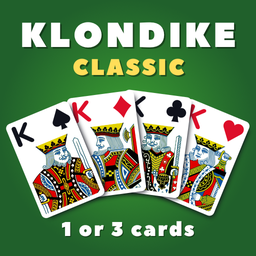
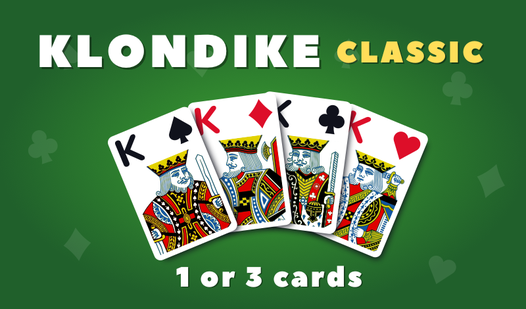






















Klondike Classic (1 or 3 cards)
Klondike Classic (1 or 3 cards) - Play Online
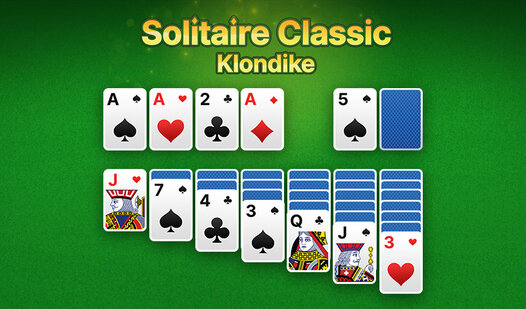
Stack cards, clear the tableau, build foundations from Ace to King. Klondike Classic (1 or 3 cards) drops you straight into traditional solitaire with zero fluff—choose your draw mode, tap or drag cards, watch the auto-finish kick in when victory's locked. Green felt, simple vectors, instant browser action on desktop, Android, or iOS. No downloads. No delays.
How to Play Klondike Classic (1 or 3 cards)
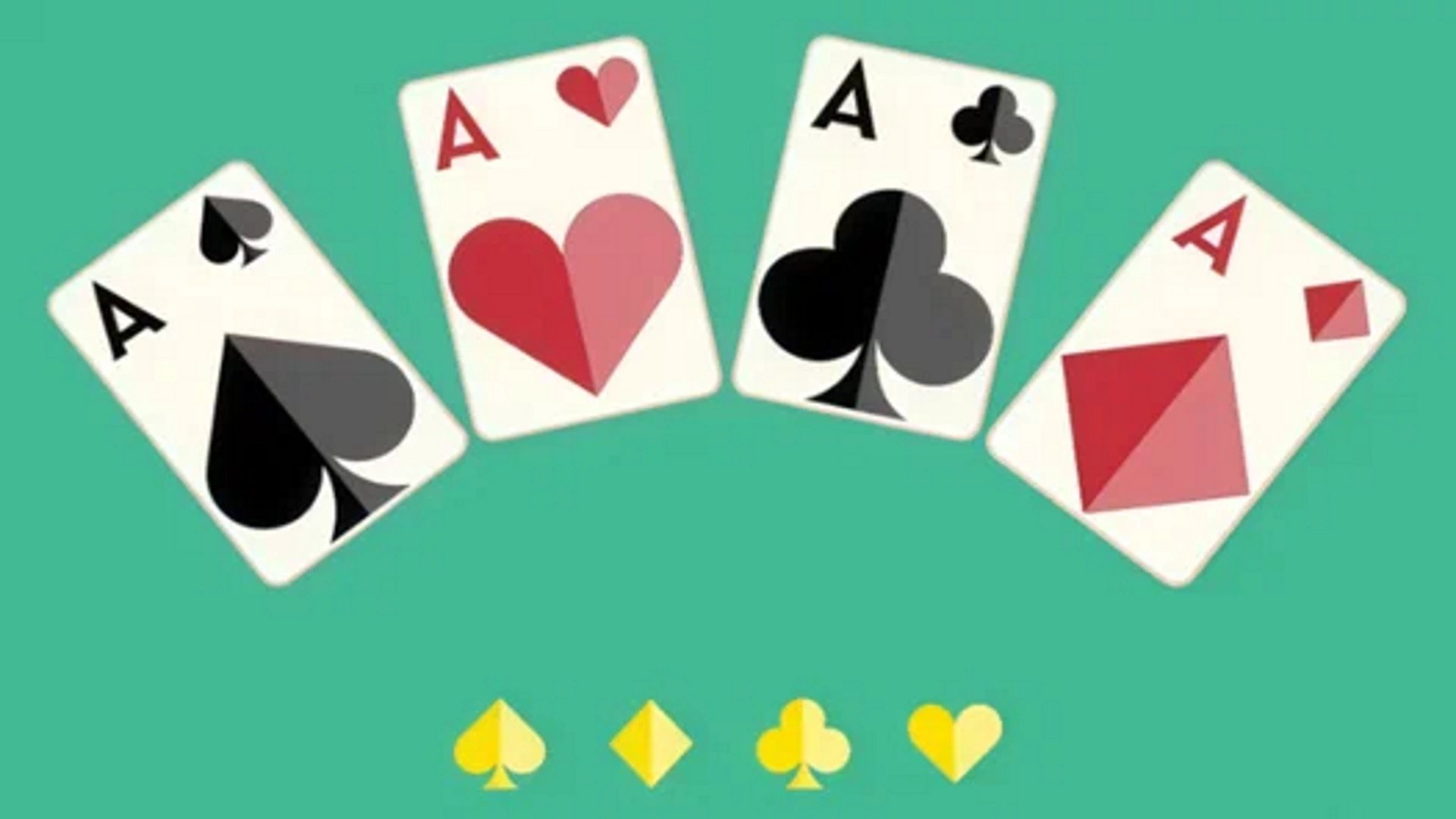
Move all cards to four foundation piles, sorted by suit from Ace to King. In the columns below, arrange cards King to Ace in alternating red-black sequences. Draw from the stockpile, shift cards between columns, reveal hidden cards, and race the timer.
Draw Mode Selection
Pick 1-card draw for steady progress or 3-card draw for tougher cycling through the stockpile. One card gives beginners smoother access to buried options. Three cards forces sharper planning—you'll loop the deck multiple times hunting for that elusive move. Switch modes anytime to test both rhythms in this cards classic.
Tableau and Foundation Mechanics
Tap a card and it snaps to the best column or foundation automatically. Drag manually for precise control. Kings anchor empty columns. Aces start new foundation stacks. Alternate red-black in descending order on the tableau to expose face-down cards. Each reveal unlocks new chains. If you've mastered Spider Solitaire, you'll recognize the suit-building logic, but here you juggle four separate foundations instead of clearing complete sequences in-place.
Wand Helper and Auto-Finish
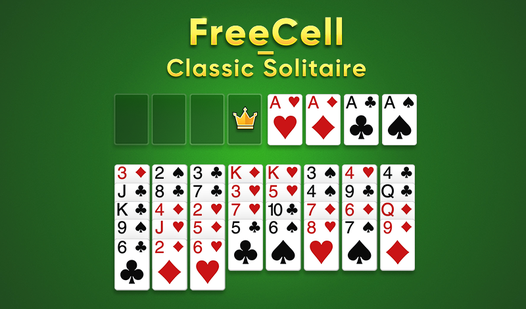
Hit the Wand icon when stuck—it moves a card automatically, burning one charge. Watch ads or earn more through play. Late-game, the Auto-Finish button appears once the game detects a solved state, dumping remaining cards to foundations in one tap. Klondike Classic (1 or 3 cards) tracks moves, time, and score across sessions. For tactical depth with every card visible upfront, jump to FreeCell Solitaire and use free cells to plan multi-step sequences without relying on the draw pile's randomness.
Key Features
- Dual Draw Modes: Toggle between 1-card or 3-card draw to match your skill level and pacing preference.
- Clean Vector Interface: Large buttons, high-contrast cards, mobile-first layout optimized for tap or swipe on any screen.
- Wand Helper System: Consumable tool auto-solves tricky spots when you're gridlocked; recharge via ads or gameplay rewards.
- Live Timer and Move Counter: Track efficiency and speed, pushing for personal bests across repeated sessions in this meditative loop.
Who is Klondike Classic (1 or 3 cards) for?
Casual players chasing short sessions, seniors seeking familiar rules, mobile gamers wanting no-download instant access. If you crave quicker arcade-style matching, try Pyramid Solitaire for pair-based clearing instead of sequential stacking. Ghost-category fans exploring relaxed puzzle vibes will find similar zen pacing in the ghost games collection. Perfect for anyone hunting Klondike solitaire browser versions or classic card-sorting gameplay on the go.
Developer
Klondike Classic (1 or 3 cards) was developed by FireToast. The studio delivers traditional solitaire mechanics with mobile-optimized UI and instant browser access across desktop, Android, and iOS platforms.
Controls
- Tap/Click: Auto-moves card to best column or foundation
- Drag: Manually place card on target column or foundation pile
- Stockpile Tap: Draws next card(s) from deck
- Wand Icon: Spends one charge to auto-solve a single move
- Auto-Finish Button: Completes game instantly when solution is detected
FAQ
What's the difference between 1-card and 3-card draw in Klondike Classic (1 or 3 cards)?
One-card draw reveals a single card per stockpile tap, giving easier access to buried options. Three-card draw cycles through three cards at once, forcing you to loop the deck multiple times and plan moves around limited visibility of deeper cards.
How do Wands work in Klondike Classic (1 or 3 cards)?
Tap the Wand icon to spend one charge and auto-move a card to the optimal position. Recharge Wands by watching rewarded video ads or earning them through gameplay progression. Use them to escape dead-end boards.
When does the Auto-Finish button appear?
The button activates once the game detects all remaining moves lead to a guaranteed win—typically when all face-down cards are revealed and only foundation-building steps remain. One tap completes the board instantly.
Can I play Klondike Classic (1 or 3 cards) on mobile without downloading?
Yes. Open any browser on desktop, Android, or iOS and launch the game instantly. No app store installs, no storage drain—just tap and play the full solitaire experience in your browser.
Does Klondike Classic (1 or 3 cards) track my stats?
The game records moves, elapsed time, and score for each session. Check the Statistics button during or after a round to review performance and chase faster clear times or fewer moves on repeat plays.
Video