
































Sudoku online: Classic
Sudoku online: Classic - Play Online
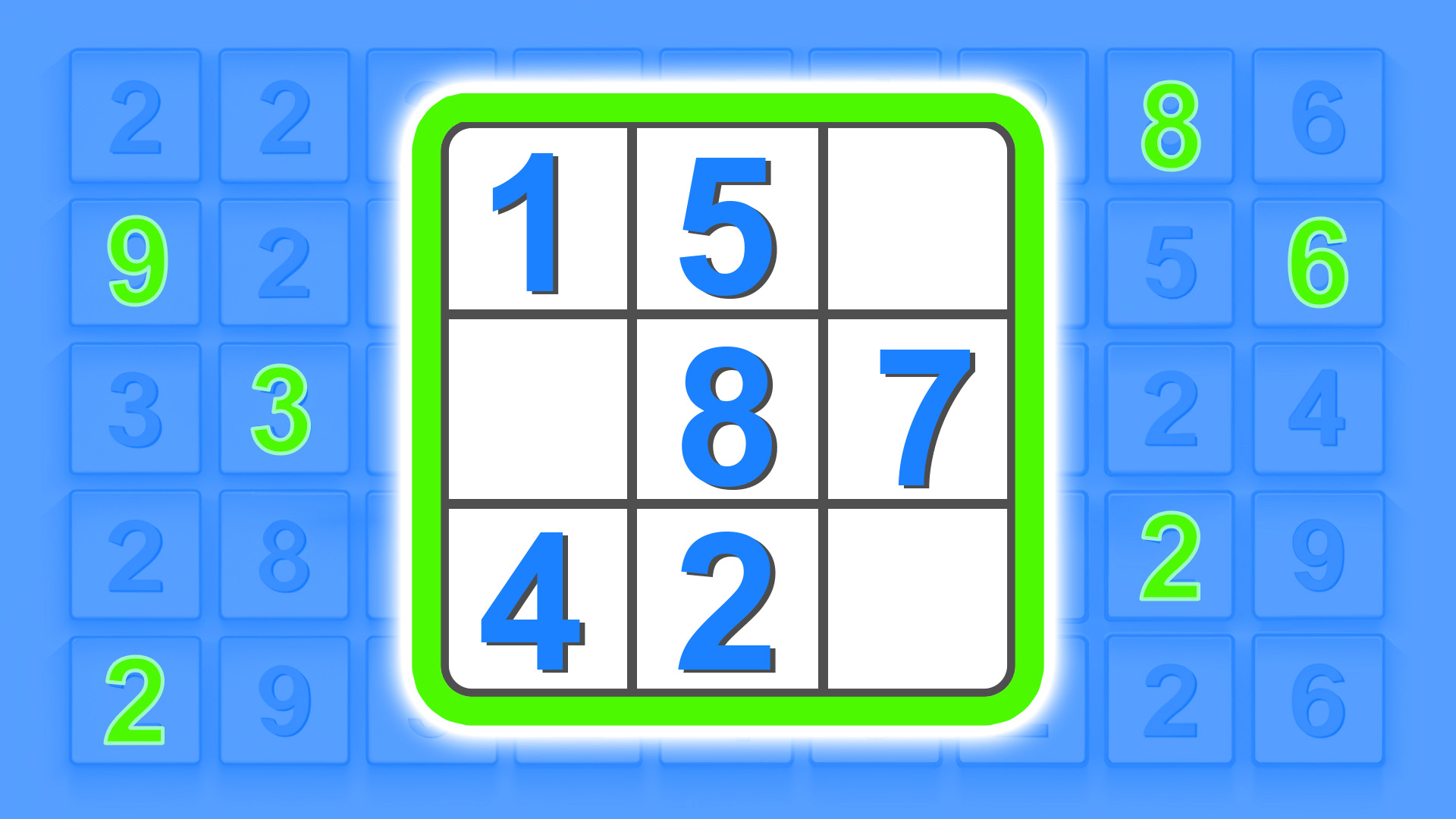
Fill a 9x9 grid without breaking logic rules. Each row, column, and 3x3 square demands numbers 1-9 exactly once. No downloads. Click and solve. Sudoku online: Classic drops you straight into the grid with casual 2D characters watching your every move. Pick a difficulty. Start scanning for patterns. Watch your logical abilities sharpen with every completed cell.
How to Play Sudoku online: Classic
Lock every row, column, and 3x3 box with digits 1 through 9. No repeats. Start by scanning rows and columns already packed with numbers. Spot the gaps. Fill them based on what's missing. Move from obvious cells to the tricky ones hiding in sparse corners.
Grid-Scanning Fundamentals
Study rows with seven or eight numbers already placed. Narrow down the missing digit by eliminating what's already used. Check intersecting columns and 3x3 squares simultaneously. Cross-reference these constraints until only one number fits logically. Puzzle games reward this kind of methodical pattern recognition, and Sudoku online: Classic keeps the interface clean so you can focus entirely on the numbers. Look for "naked singles"—cells where only one digit can possibly fit. Mark them first. Then tackle "hidden singles" buried inside rows or boxes where a digit appears only once as a valid option.
Difficulty Progression and Strategy Layers
Easy levels give you plenty of pre-filled numbers to kick-start your logic chains. Medium ramps up the challenge by leaving more empty cells and forcing you to use elimination techniques across multiple constraints. Hard levels strip away obvious clues, demanding advanced strategies like "pointing pairs" or "box-line reduction." As you move from simple to complex grids, your brain learns to hold multiple possibilities in working memory and backtrack when a contradiction appears. Sudoku Classic delivers the same grid-solving satisfaction with a similarly minimalist layout, perfect for players who want more of this addictive number-placement rhythm.
Advanced Tactics for Stubborn Grids
Pencil in candidate numbers when a cell could hold two or three possibilities. Track these notes across rows and columns. When a candidate appears in only two cells of a row and both cells sit in the same 3x3 box, you've found a "locked candidate"—eliminate that number from other cells in the box. Use "naked pairs" to clear candidate lists: if two cells in a row both show only the same two candidates, no other cell in that row can use those digits. Math games often rely on this kind of deductive elimination, and Sudoku online: Classic makes it feel meditative once you hit a flow state. Practice patience. Rush a guess and you'll cascade errors across the entire board.
Key Features
- Standard 9x9 Grid Mechanics: Fill each row, column, and 3x3 box with digits 1-9 exactly once, following classic Sudoku constraints.
- High-Contrast 2D Vector Art: Clean lines and simple gradients keep the interface functional without visual clutter.
- Multiple Difficulty Tiers: Progress from easy puzzles with abundant clues to hard grids that demand advanced elimination strategies.
- Browser-Based Accessibility: Instant play on desktop, Android, and iOS with no download friction.
Who is Sudoku online: Classic for?
Built for casual players who crave short logic sessions during commutes or breaks. The minimalist UI and Unity-powered framework appeal to 45+ users comfortable with mobile browsers. Perfect for anyone chasing brain-training vibes without complicated tutorials. Microsoft Sudoku adds daily challenges and irregular grids if you want more variety after mastering the traditional 3x3 constraints here. Ideal for puzzle veterans seeking a zen loop and newcomers testing their logical chops for the first time.
Developer
Sudoku online: Classic was developed by BadGamesDev. The game delivers a straightforward number-placement puzzle experience playable instantly in any browser, targeting players who appreciate clean interfaces and logic-driven challenges.
Controls
- Mouse Click / Tap: Select an empty cell on the 9x9 grid to highlight it.
- Number Keys / On-Screen Keypad: Enter digits 1-9 into the selected cell.
- Erase / Backspace: Clear the number from the active cell.
- Hint Button (if available): Reveals one correct digit placement to unblock progress.
FAQ
Can I play Sudoku online: Classic on mobile devices?
Yes. The game runs on desktop, Android, and iOS browsers without requiring downloads. Tap cells and use the on-screen keypad to enter numbers on touchscreens.
How do I know if I made a mistake in my grid?
Many Sudoku games highlight duplicate numbers in the same row, column, or 3x3 box with red shading or error indicators. If your puzzle allows invalid entries, double-check constraints manually by scanning each row, column, and box for repeated digits.
What is the difference between easy and hard difficulty in Sudoku online: Classic?
Easy levels provide more pre-filled numbers, giving you obvious starting points for deduction. Hard levels reduce initial clues significantly, forcing you to use advanced elimination techniques like locked candidates and naked pairs to solve the grid.
Are there hints or undo features available?
Many educational games in the Sudoku genre include hint buttons that reveal one correct digit or undo functions to backtrack recent moves. Check the in-game UI for these options if you get stuck on a particularly tough grid.
Can I pause and resume a puzzle later?
Browser-based implementations often save your progress automatically via cookies or local storage. Close the tab mid-puzzle and return later to pick up where you left off, though this depends on your browser settings and whether cookies are enabled.
Video




 Obby Royal races in flight